Shows Overview
A show is the top-level container in Benecaster. It holds your episodes, has its own RSS feed, has its own subscriber base, and has its own tier configuration. Every episode belongs to exactly one show.
When someone subscribes to your podcast, they get access to one show’s feed. When you configure tier availability on an episode, you’re configuring it for that show’s tiers. The show is the unit that everything else is organized around.
The Show Switcher
The show switcher sits in the Benecaster top bar, always visible. Selecting a show from the dropdown scopes the entire admin context — the episode list, subscriber counts, and analytics all update to reflect that show’s data.
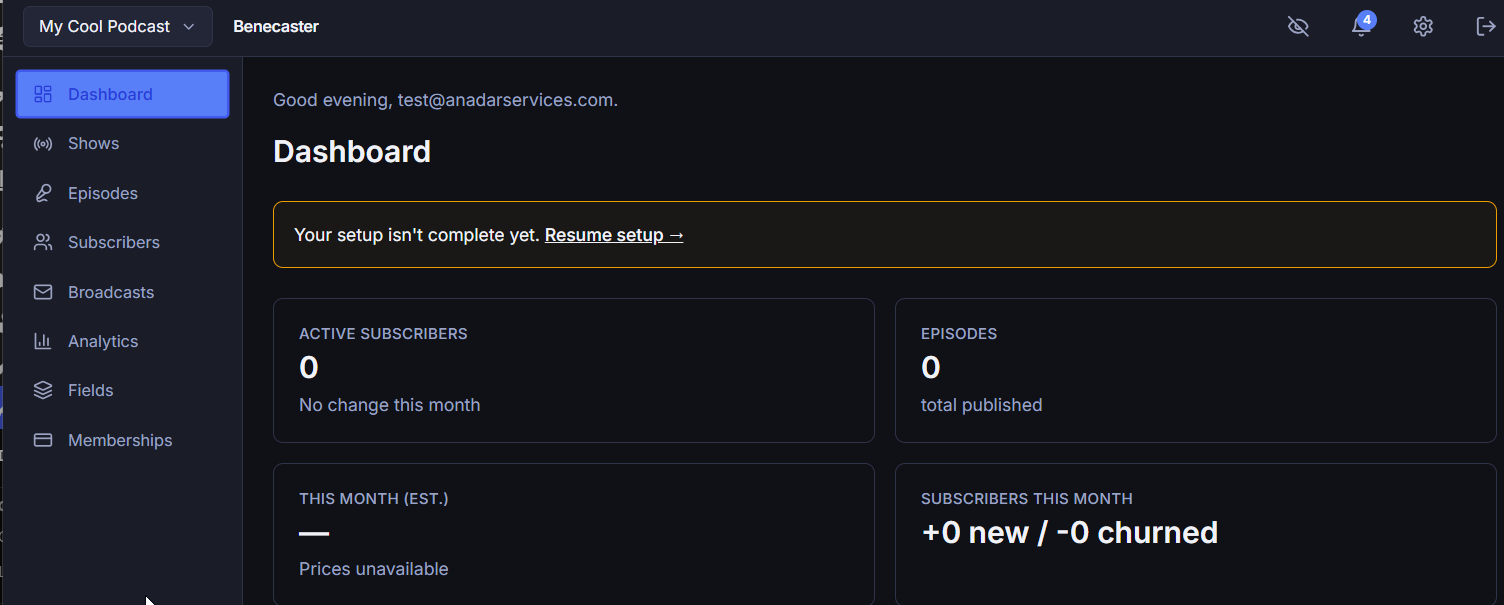
An “All Shows” option is available for cross-show analytics views, but most screens — episodes, subscribers, settings — apply to a single show at a time.
Show Identity
Each show has its own identity fields: name, artwork, description, and feed slug. These become the channel-level data in your RSS feed — they’re what appears in Apple Podcasts, Spotify, and other podcast apps when someone views your show’s listing rather than a specific episode.
- Name — The channel title in podcast apps and RSS
- Artwork — Square image used in podcast directories; minimum 1400×1400px per Apple Podcasts requirements
- Description — Your show description for podcast directories
- Feed slug — The URL path segment for this show’s RSS feeds; used in every subscriber’s personal feed URL
See Show Settings for the full list of show-level fields.
One Show Vs. Multiple Shows
Most Benecaster sites run a single show. If you have one podcast, you’ll work in that show’s context all the time and won’t need to use the show switcher.
Multi-show capability — hosting more than one podcast under the same Benecaster installation — is available on Multi-Show and Studio plans. Each show gets its own feeds, subscribers, and tier configuration. See Running Multiple Shows.
Creating a Show
On first activation, the Setup Wizard guides you through creating your first show. If you need to create additional shows, go to Benecaster → Shows → Add New. See Creating a Show.
Deleting a Show
Deleting a show removes everything it owns: all of its episodes in any status, its subscriber and follower tokens, its tier mappings, built-in membership tiers and buy-ups, its reference library and groups, and its episode types. It also releases the show’s license connection, exactly as Deactivate this show’s license does. The show’s records stay: payments, donations, the unsubscribe log, the email log, and analytics and download history.
A show anyone is subscribed to, followers included, cannot be deleted. See Show Settings → Deleting a Show.
Moving a Show to the Trash
Benecaster → Shows offers only deletion, but a show is also a WordPress post, so it can be moved to the Trash from WordPress’s own show list (wp-admin/edit.php?post_type=benecaster_show), the block editor, the REST API or WP-CLI. The same rule applies as for deleting: a show anyone is subscribed to, followers included, cannot be moved to the Trash. On WordPress’s show list its Trash link is replaced by a note such as “Can’t move to Trash: 3 people are subscribed”. Bulk actions → Move to Trash trashes the shows nobody is subscribed to and keeps the rest, then shows a yellow notice: “This show was not moved to the Trash because people are subscribed to it:” (or “These shows were not moved…”), one line per kept show such as “Northside Stories — 3 people are subscribed”, and “To retire a show, cancel or move its subscribers first.”
A show in the Trash therefore has nobody subscribed. While it is there:
- Its feed stops serving.
- Nothing is cancelled at Stripe — trashing never touches billing.
- Its episodes, settings and records are kept. Benecaster still records the show’s Stripe webhook events, still includes its payment keys when they are re-encrypted, still watches it for spikes in donation card declines, and still counts it for the suggested privacy-policy text.
- The daily license check skips it.
- It keeps its feed slug, so none of Benecaster’s permalink prefixes can be set to that slug.
WordPress restores a show from the Trash as a draft. Publish it again, from WordPress’s show list or the block editor, for its feed to serve.
See Also
Need this built rather than just documented? See our services →